Nagi.
A calmer workspace for your tabs.
A workspace browser for Android tablets and phones. Organize tabs with a sidebar in wide windows or bottom navigation in narrow windows, with Spaces and split browsing.
- Android 8.0+ · 1.0.0 · 16.7 MB
- Japanese · English · Chinese · Korean
- Updated October 11, 2026 · Signed APK
See it in use.
Swipe sideways or use the arrows to browse
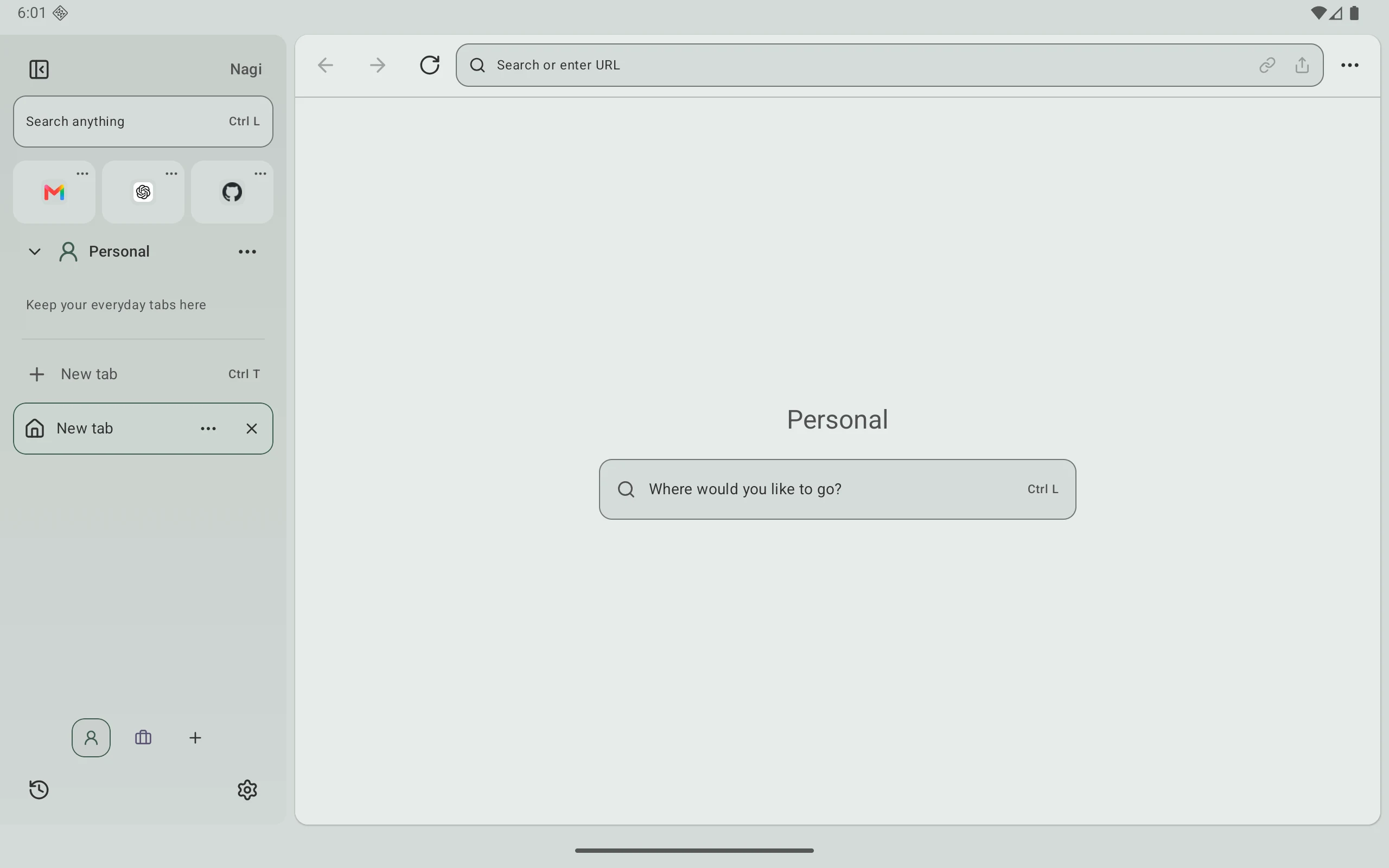
Comfortable browsing in narrow windows.
Windows narrower than 600dp use full-width pages and bottom navigation. Open tabs, Favorites, and Spaces in a sheet; wider windows keep the sidebar.
Keep your input when the window changes.
Resizing preserves the loaded page and unfinished input without reloading. Automatic mobile or desktop mode applies on the next document navigation or reload, with saved site choices taking priority.
Reduce empty advertisement space.
Collapse empty containers around confirmed blocked advertisements while protecting article text, images, and controls. Handles pause/resume and elements added later.
A Space for each task.
Organize ordinary and pinned tabs in Spaces. Favorites are shared across Spaces; history is available from the sidebar.
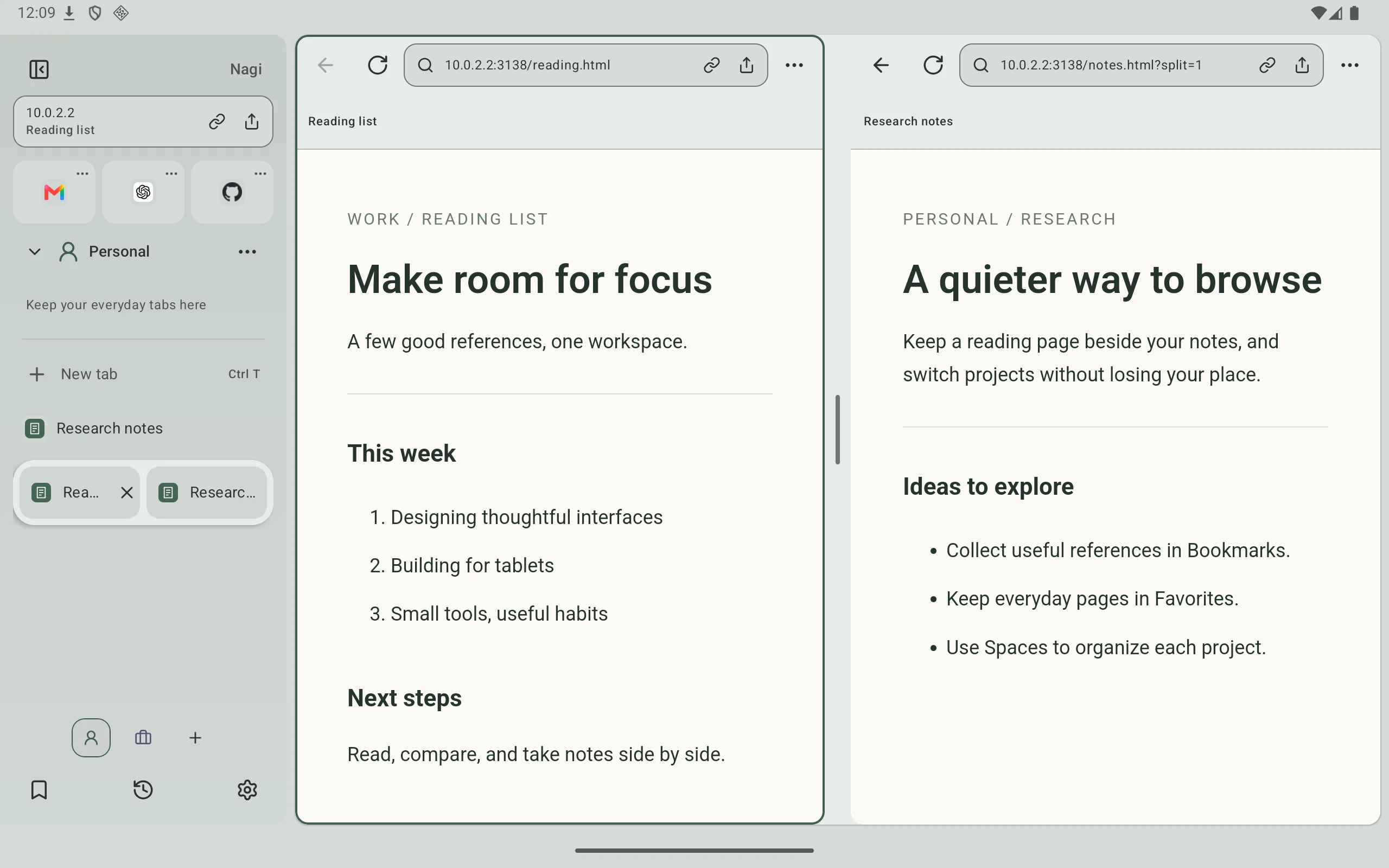
Two pages, side by side.
Resize the split panes and sidebar, and save and drag left/right tabs together as a pair. Keyboard and mouse controls are supported.
Search and navigate from one bar.
Use Ctrl / Command + L for URLs, search, tabs, Spaces and commands. Questions for ChatGPT open its website.
Install the APK
Download the APK using the button above and open it from Android’s downloads. Follow the system prompt to allow installation from this source.
More useful in 1.0.0.
Block ads and trackers, save site exceptions, or pause blocking for a visit. Read articles in Reader and adjust the text size.
Supported WebView versions isolate private cookies and website storage. Closing the private workspace clears its website data.
Automatic picture-in-picture, a movable video player, and two-finger trackpad Back/Forward gestures. Narrow panes prioritize Share and move only hidden actions into the menu.
Good to know.
- The interface adapts to tablet and phone window widths. Physical folding transitions and advertisement handling on every site remain unverified.
- Install 1.0.0 over versions 0.1.0–0.3.0 from this site or GitHub without uninstalling. Google Play uses a different signing certificate; update through the same distribution channel.
- Debug builds and the former com.orbit.browser use different signing or app IDs and cannot be updated directly with this APK.
- Normal Spaces share cookies and logins. Private browsing requires a supported WebView. Cloud sync is unavailable.
- Photo uploads use JPEG. Generated file downloads are limited to 32 MB. Camera and password autofill behavior depends on your device and provider.
- SHA-256: 82580f438c047e735761b1ab2b45b52e03f9da4082e0ddb4bb36a819f529c525