Switch with a shortcut.
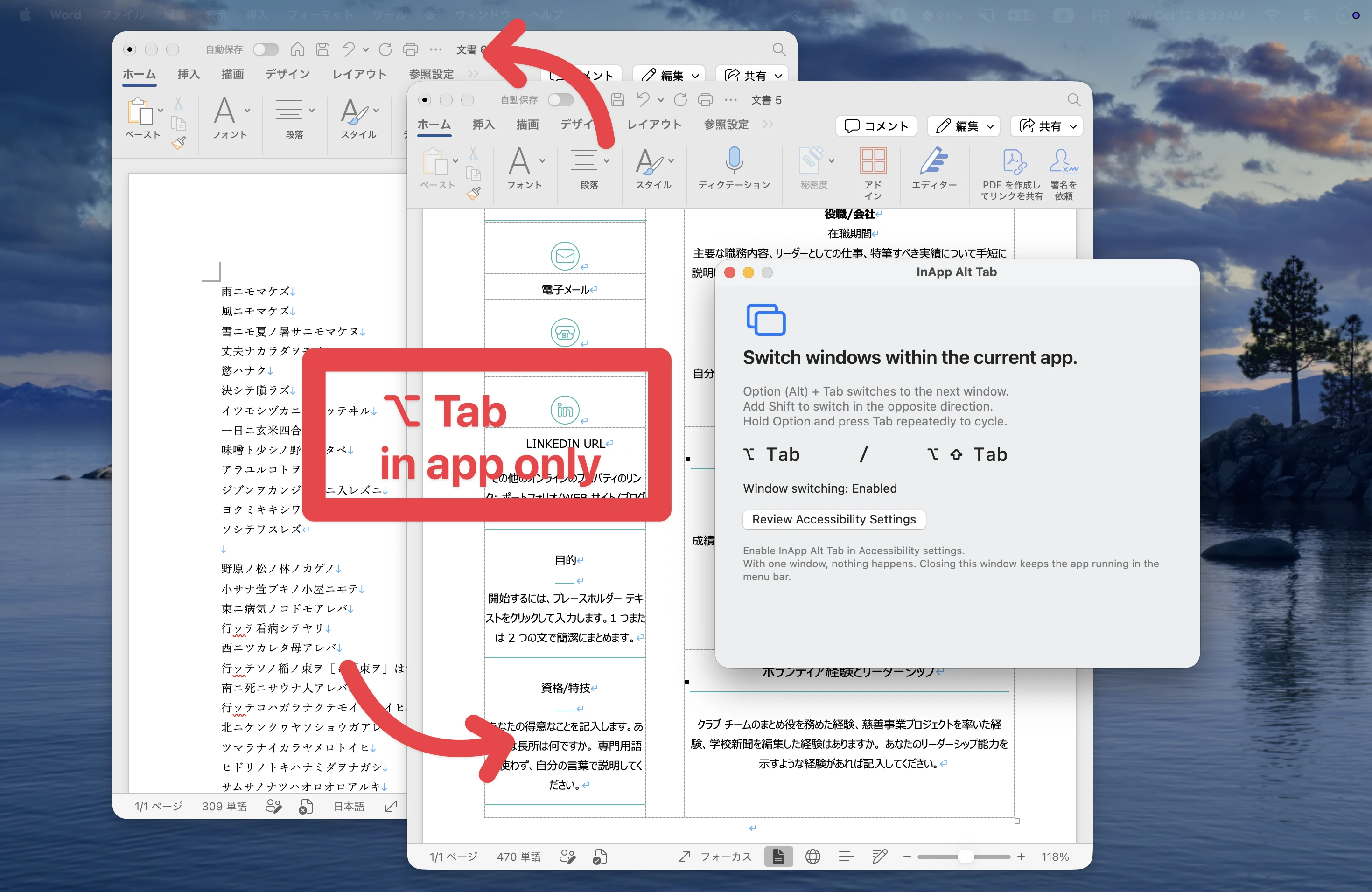
Option + Tab goes forward; Option + Shift + Tab goes backward. Hold Option and press Tab repeatedly to cycle through the same app’s windows in a stable order, with no preview or window picker.
Working with several Word documents? Press Option + Tab to move to the next window. A small macOS menu bar app that switches windows within the app you are using.
 STAY IN YOUR APP. KEEP YOUR FLOW.
Option + Tab goes forward; Option + Shift + Tab goes backward. Hold Option and press Tab repeatedly to cycle through the same app’s windows in a stable order, with no preview or window picker.
Pause, resume, open setup or enable launch at login from the menu bar. Minimized windows are restored when selected. Command + Tab keeps working as usual.
Accessibility permission lets the app switch windows. Screen Recording permission is not needed. It does not collect or save typed text or document contents, and makes no network requests.